By Mayank Bhardwaj · August 20, 2026 · 2 min read
Life calendar wallpaper not updating? Here's the real fix
Your wallpaper shows yesterday's dot because it's an image, not an app. Why every static life calendar goes stale — and the three ways to fix it, ranked.
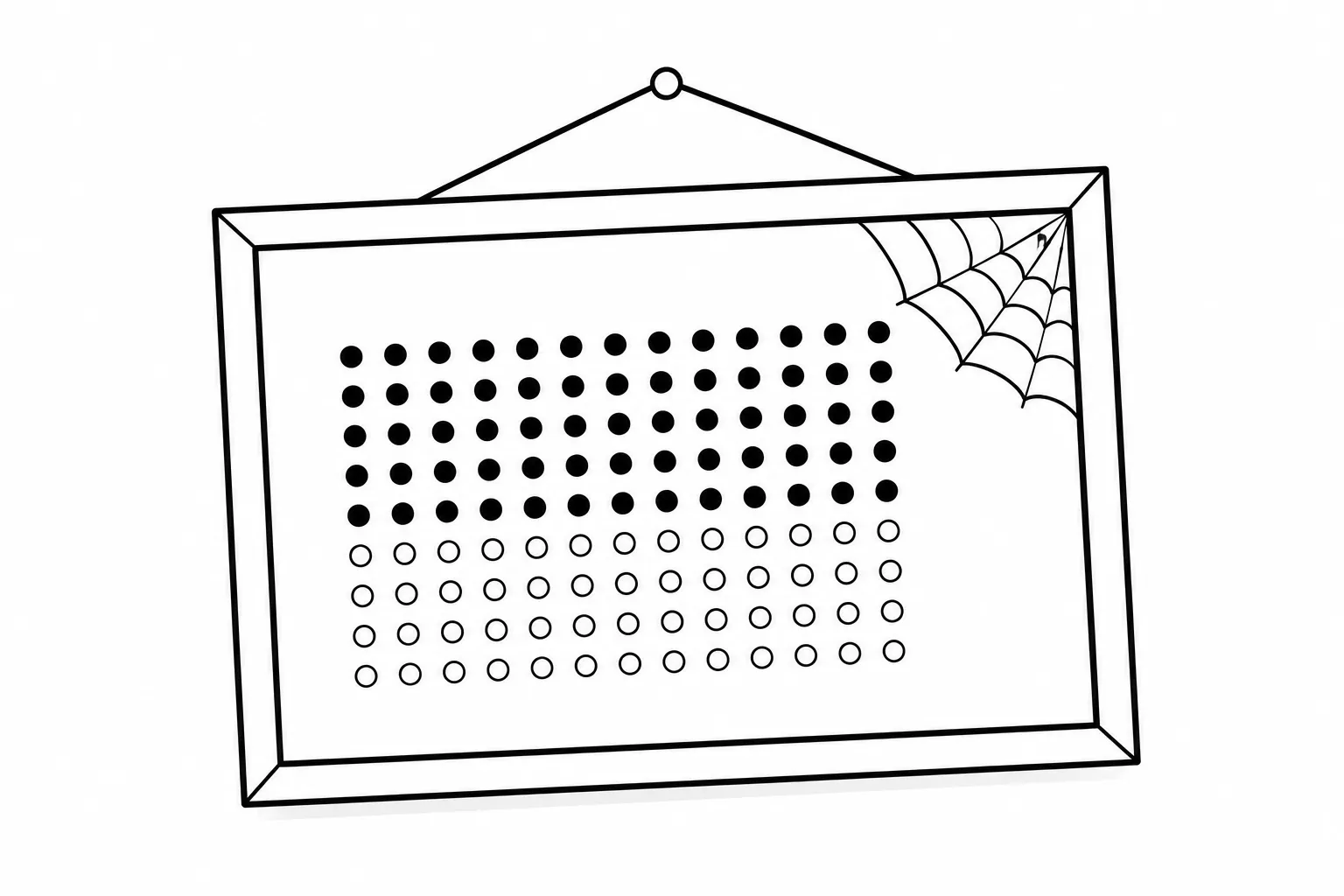
You found a beautiful life-calendar wallpaper. You set it. For one day, it was perfect. Then midnight came, the calendar moved on, and your wallpaper didn’t.
If you’ve searched “life calendar wallpaper not updating,” here’s the truth: it was never going to update. A wallpaper is a picture. Pictures don’t know what day it is. Every static life calendar — every PNG from every generator, including ours — is a snapshot of the moment you made it, going quietly wrong at midnight.
The question isn’t how to fix your wallpaper. It’s how to get a wallpaper that fixes itself. There are three ways, ranked from most fragile to least.
Fix 1: Re-download it every day (don’t)
The manual loop: open the generator, download today’s image, set it as wallpaper, repeat tomorrow. It survives about four days before you forget, and then your calendar lies to you again. A calendar that requires discipline to stay correct has failed at being a calendar.
Fix 2: The Shortcuts automation (clever, fragile)
The popular workaround on iPhone — and the reason this search term exists — is an Apple Shortcuts automation: every morning at 6 AM, fetch a fresh image from a life-calendar website and set it as the lock screen.
It works, mostly. Until the site changes its image URL. Or the request fails on bad hotel Wi-Fi. Or the automation silently stops after an iOS update, and you spend a week looking at the wrong week. You’ve become the maintenance engineer of your own wallpaper — which is a strange chore to inherit from a memento mori.
Fix 3: Software whose one job is knowing the date
The durable answer is an app that renders the wallpaper rather than downloading it: the calendar is computed on your machine, drawn at your display’s exact resolution, and re-drawn on a schedule the app itself owns.
That’s what we built Count Your Weeks for Mac to do. It repaints your wallpaper every midnight and again when your Mac wakes from sleep — so even if your laptop slept through the night, the calendar is correct before you’ve finished your coffee. No shortcuts, no downloads, no maintenance. It handles leap years, DST switches, and multiple monitors, because those are exactly the details that make date software hard — and exactly what you’re paying for, once, to never think about.
The test for any life calendar you’re considering
Ask one question: if I ignore this thing for a month, will it still be correct? A poster: yes, it’s paper, you fill it in. A static wallpaper: no. A Shortcuts automation: maybe. An app that re-renders on schedule: yes.
Your calendar’s job is to tell you the truth about time without being asked. Anything less is a picture of a calendar.
Free in the browser — or living on your Mac desktop, updated nightly.